Functionality available with Analytics
Virtual Page Views
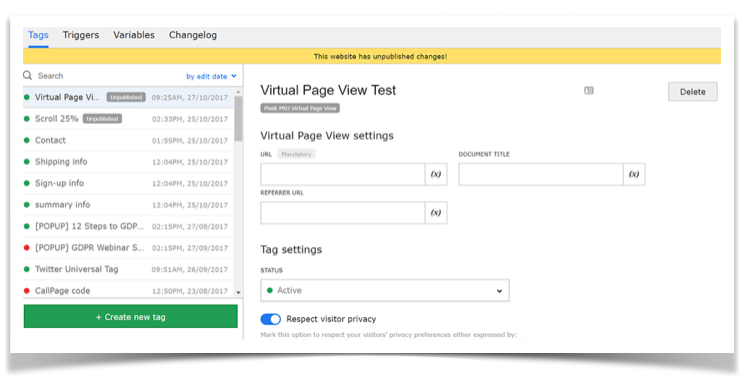
Virtual Page Views send a page hit without reloading the page. Virtual Page Views lets set actions as goals, so you can add them as steps in your funnel reporting.

Add events to funnel
Use Virtual Page Views to track dynamic element, and set up a virtual page as a goal in your Analytics tools platform.

Track downloads like pages
Virtual Page Views allow you to attach a page view to PDF, DOC, and other files hosted on your site.

Differentiate pages with same URLs
Track web form submissions and multi-step dynamic shopping cart pages even if they use the same URL.

Track video
Use Virtual Page View to see how many times your video has been played, how many users finished watching it, and where they stopped.
Benefit from Virtual Page Views
Virtual Page Views measures the effectiveness of dynamic actions like buttons and forms. Track downloads of text files, contact form submits, and shopping cart pages just like a page being loaded.
Virtual Page Views
Track dynamic elements which do not generate page views. In you can add a new step to your conversion funnel by setting them as goals.
Event Tracking
Track interactions with items like buttons and videos. Events are also a better option without distort your page views tracking and other metrics.